Content advice on the internet is written for people who start with words: hooks, captions, value posts. But if you’re a photographer, a florist, a ceramicist, a fashion brand — your audience doesn’t come for the caption. They come because the last nine tiles of your feed look like they belong in the same world.
For aesthetic-first accounts, the real unit of content isn’t the post. It’s the grid.
Plan the wall, then the paintings
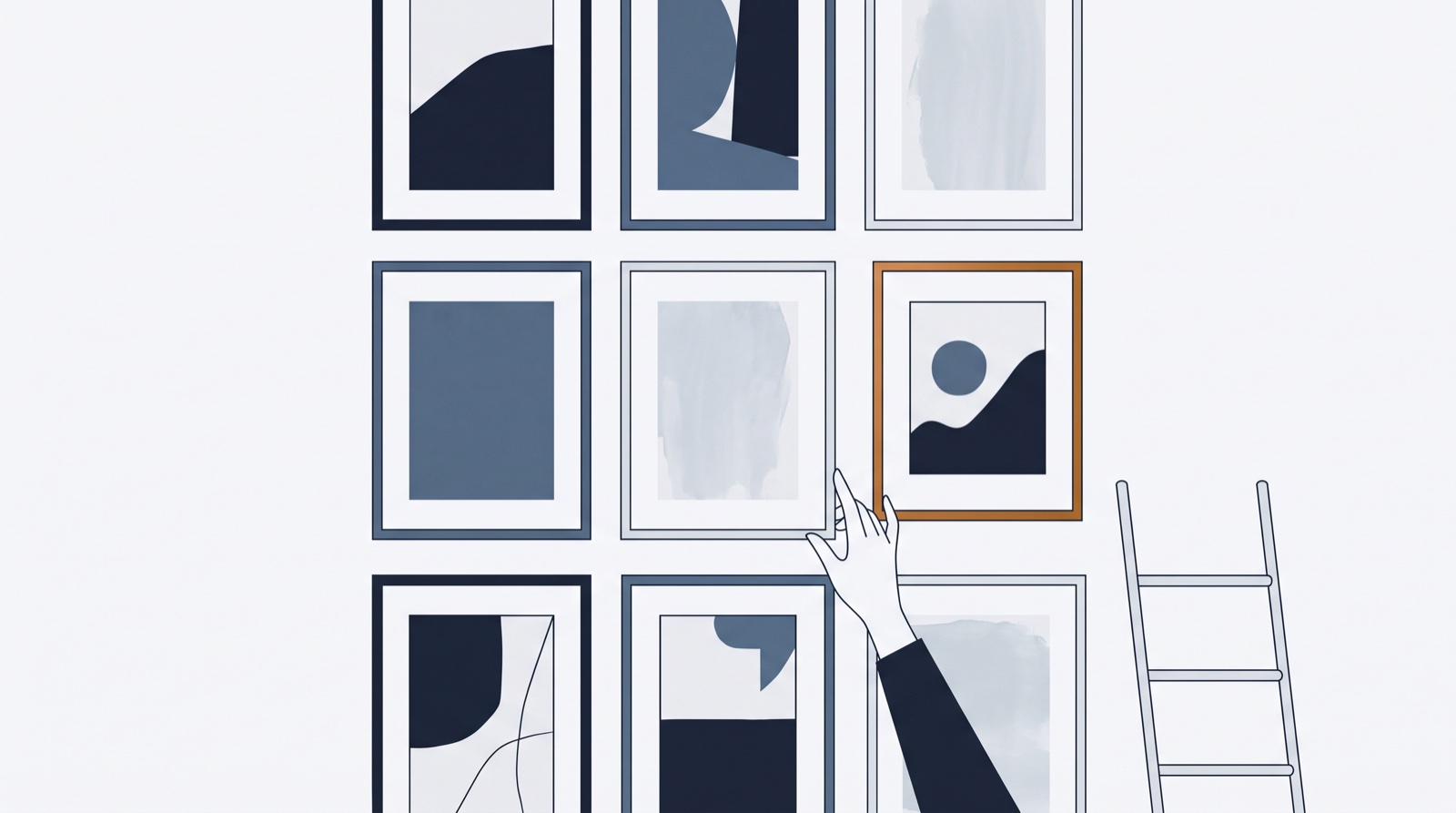
A gallery curator doesn’t frame one painting, hang it, then wonder what goes next.
They compose the wall. Visual-first planning works the same: get your best shots onto a grid that looks exactly like your Instagram profile — 4:5 tiles for the feed, 9:16 for Reels or TikTok — next to the posts you’ve already published, and move things around until the story reads right.
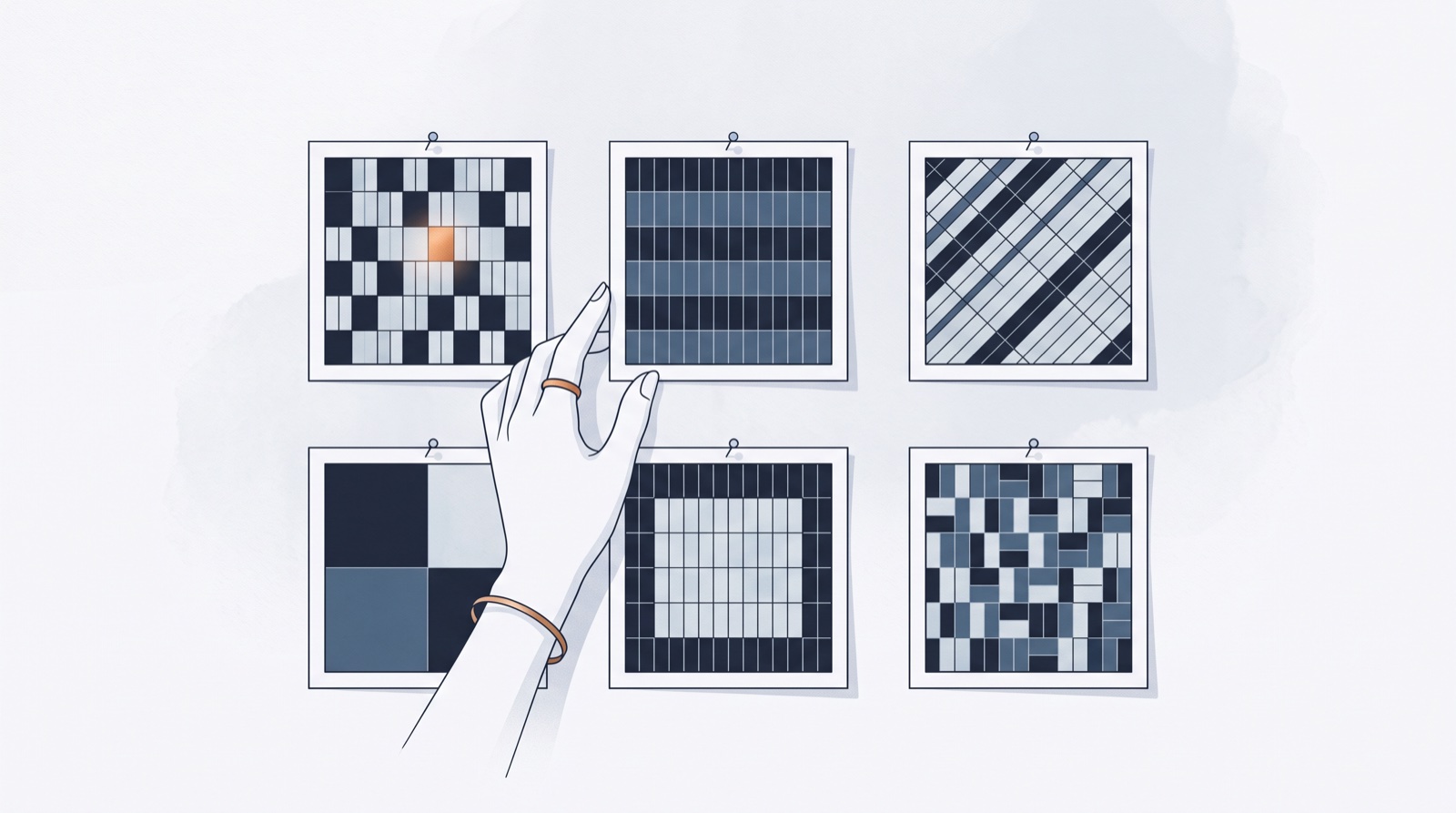
Warm next to warm gets muddy; a portrait between two flat-lays breathes; three similar frames in a row read as a series (or a rut). None of this is visible one post at a time. All of it is obvious on the wall. If you want the deeper pattern language — checkerboards, anchor columns, color blocking — I broke down six grid layouts that still work in a separate note.
Captions come last — and easier
A strange thing happens when the visual plan is set: captions get easier. You’re no longer inventing content from nothing; you’re describing something that already exists and already has a mood. Open the tile, write to the image, done.
This is exactly how the visual-first path works in ContentFast: open the Media tab, drop photos and videos straight onto the grid, drag until the composition sits, then fill in captions and schedule. The idea-first path (imports, triage, enhancers) is still there — some projects need it — but nothing forces you through it.
Run both kinds of projects without switching tools
Here’s the situation nobody builds for: you run an aesthetic photography account and an idea-heavy niche project. One needs a gallery wall; the other needs a triage board for three hundred AI drafts. In ContentFast each brand profile picks its own approach — visual-first here, idea-first there, mixed when it makes sense — under one roof and one subscription.
The free plan includes a brand profile and 100 credits, no card. Bring your camera roll and try composing the wall first for once. There’s also a free standalone grid preview tool if you just want to see your next nine tiles together.