✦ Blog
Notes from the studio, between takes.
Workflows for the AI-content era: how to choose from hundreds of drafted ideas, plan a feed by eye, and run several brands with one pair of hands.
✦ Fresh off the desk
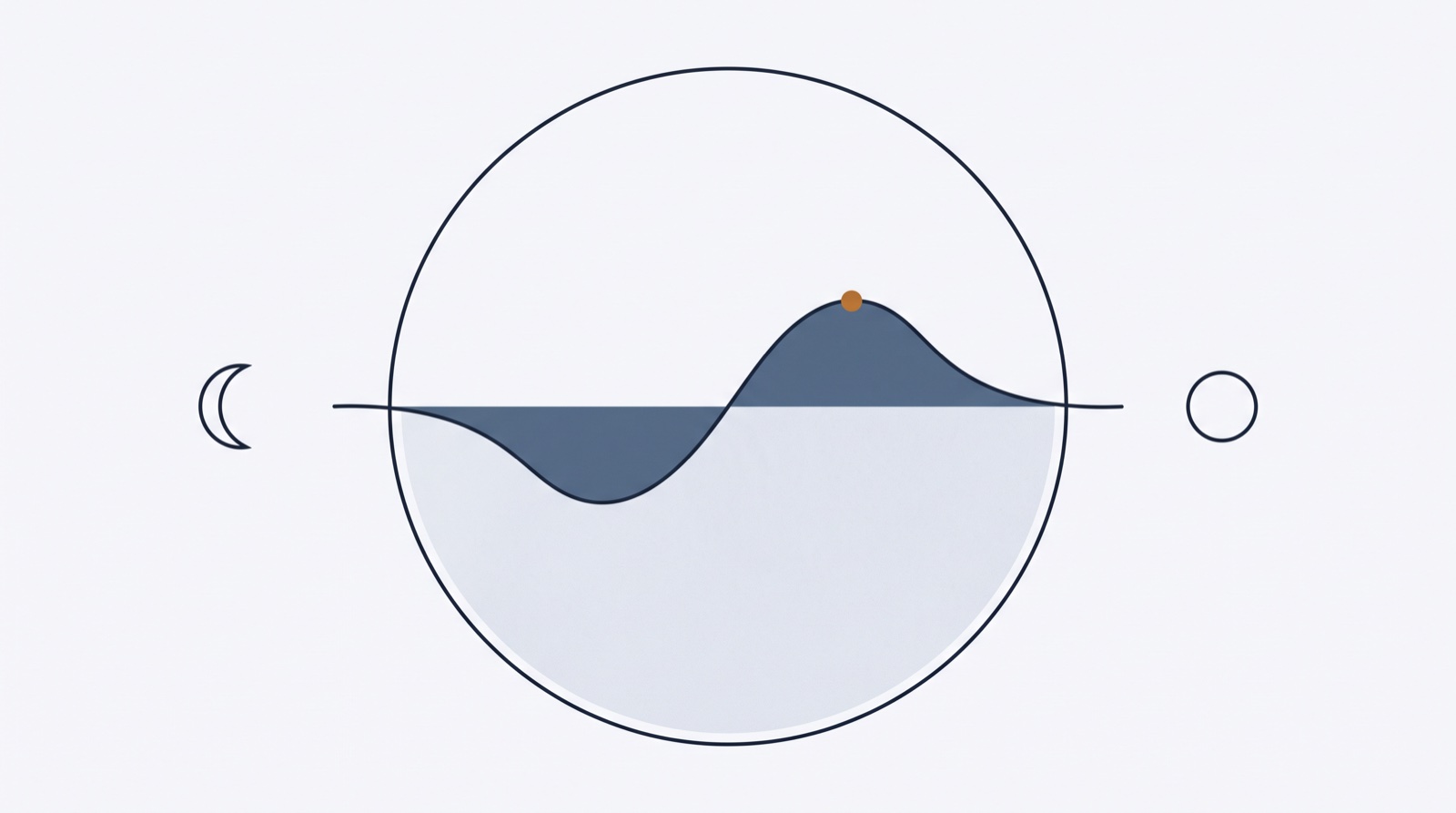
The Best Time to Post on Instagram in 2026 (and When It Actually Matters)
Aggregated 2026 studies agree: midweek, late morning through early evening, with two daily peaks. Here’s the schedule by day of week — and the honest part about when timing stops mattering.
Read the note✦ All notes
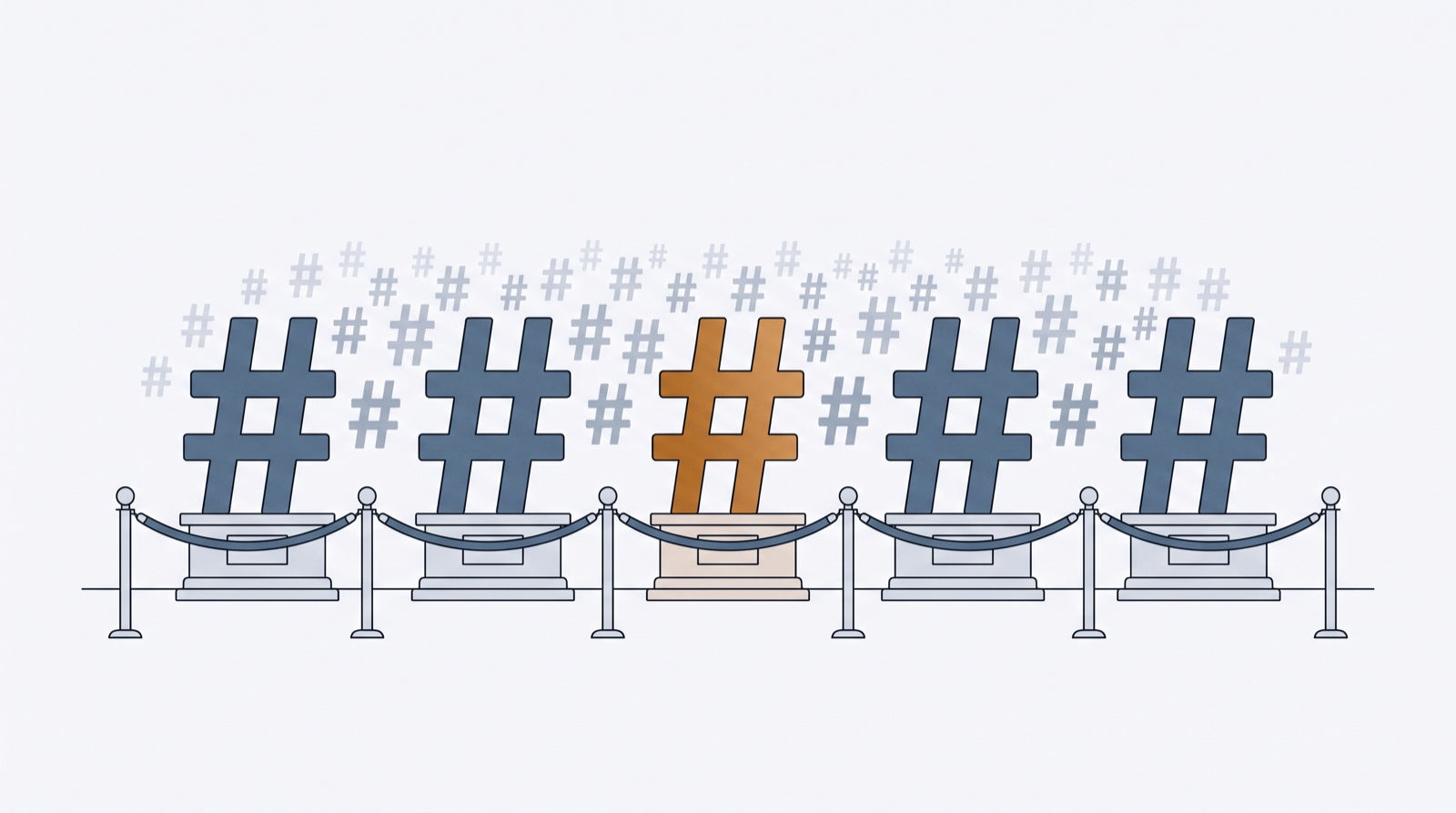
Instagram’s 5-Hashtag Limit: What Changed, and the Strategy That Works Now
In December 2025 Instagram capped posts and Reels at five hashtags — a hard limit, not advice. What the change means, why hashtags became classification signals, and how to pick your five.
Read the note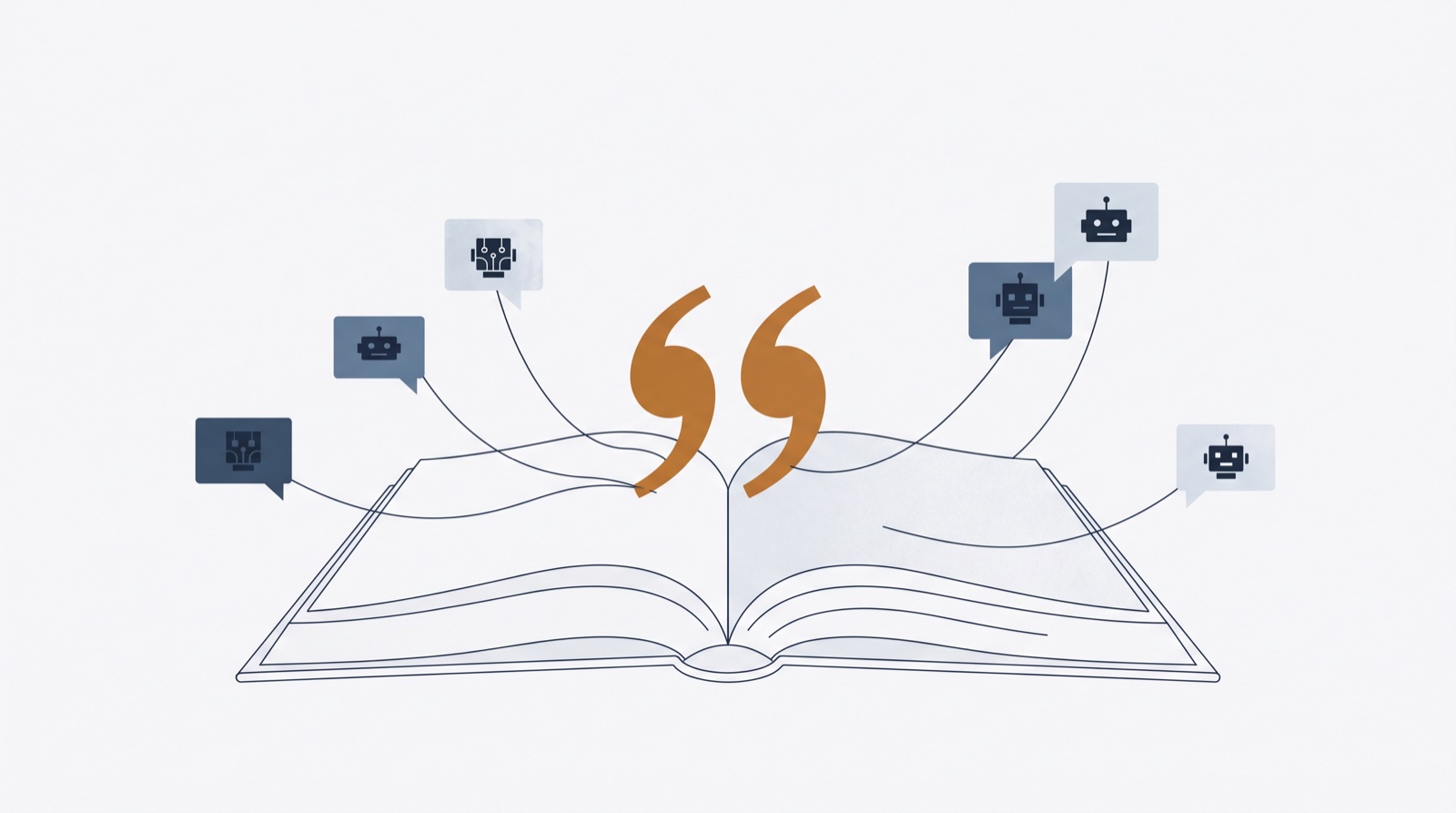
How to Get Your Content Cited by ChatGPT, Claude and Perplexity
AI assistants are the new front page. A practical GEO (generative engine optimization) playbook for small brands: extractable structure, schema, entity consistency, llms.txt — and what’s myth.
Read the note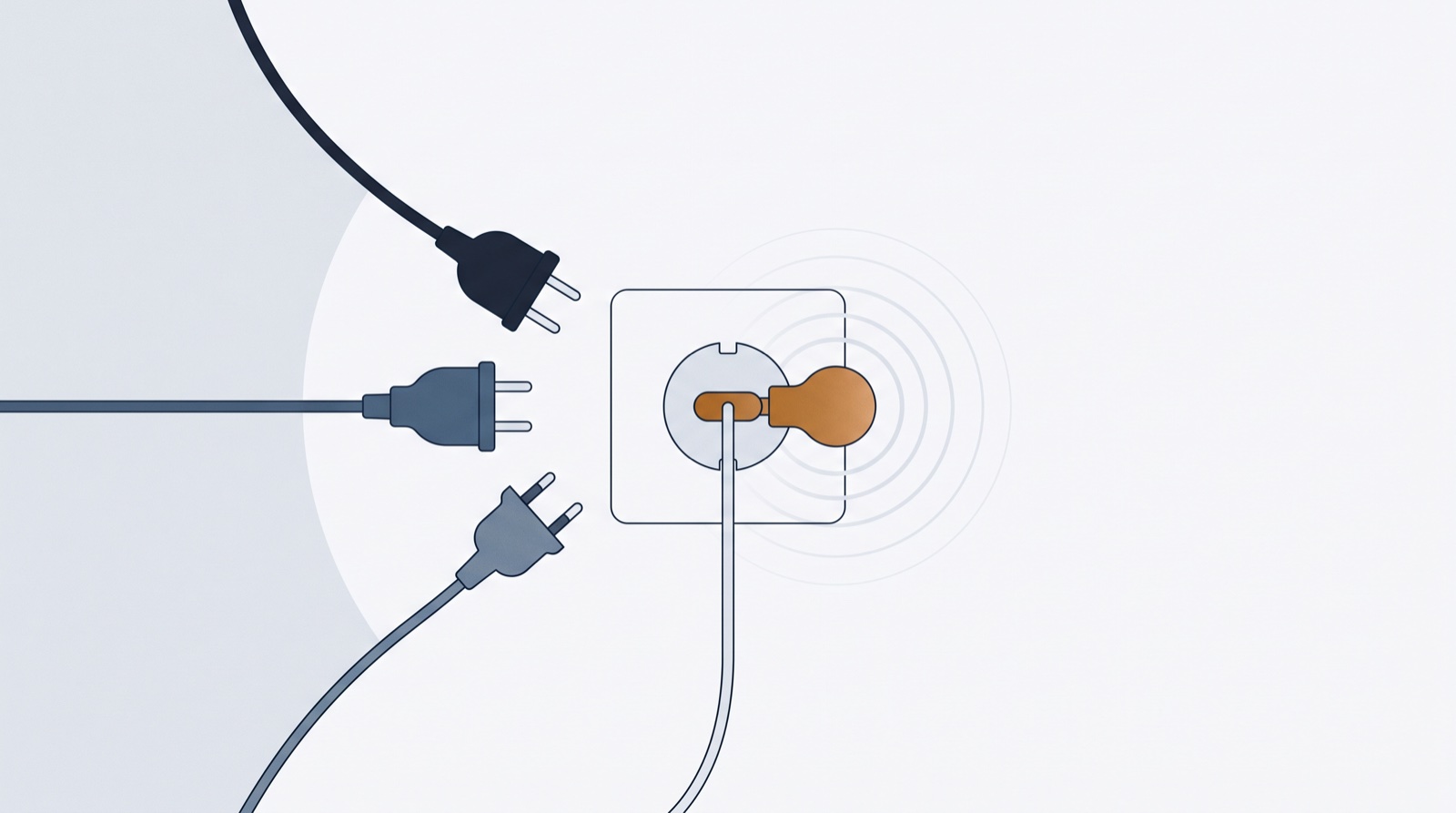
MCP for Marketers, Explained Like You’re Busy
MCP (Model Context Protocol) is the open standard that lets AI assistants use your tools — not just talk about them. What it is, why content teams should care, and how to try it in two minutes.
Read the note
12 AI Prompts That Turn ChatGPT or Claude Into Your Content Strategist
Copy-paste prompts for social media that go beyond “write me a caption” — strategy, batch ideation, hooks, repurposing and editing, each with the variables that make output sound like you.
Read the note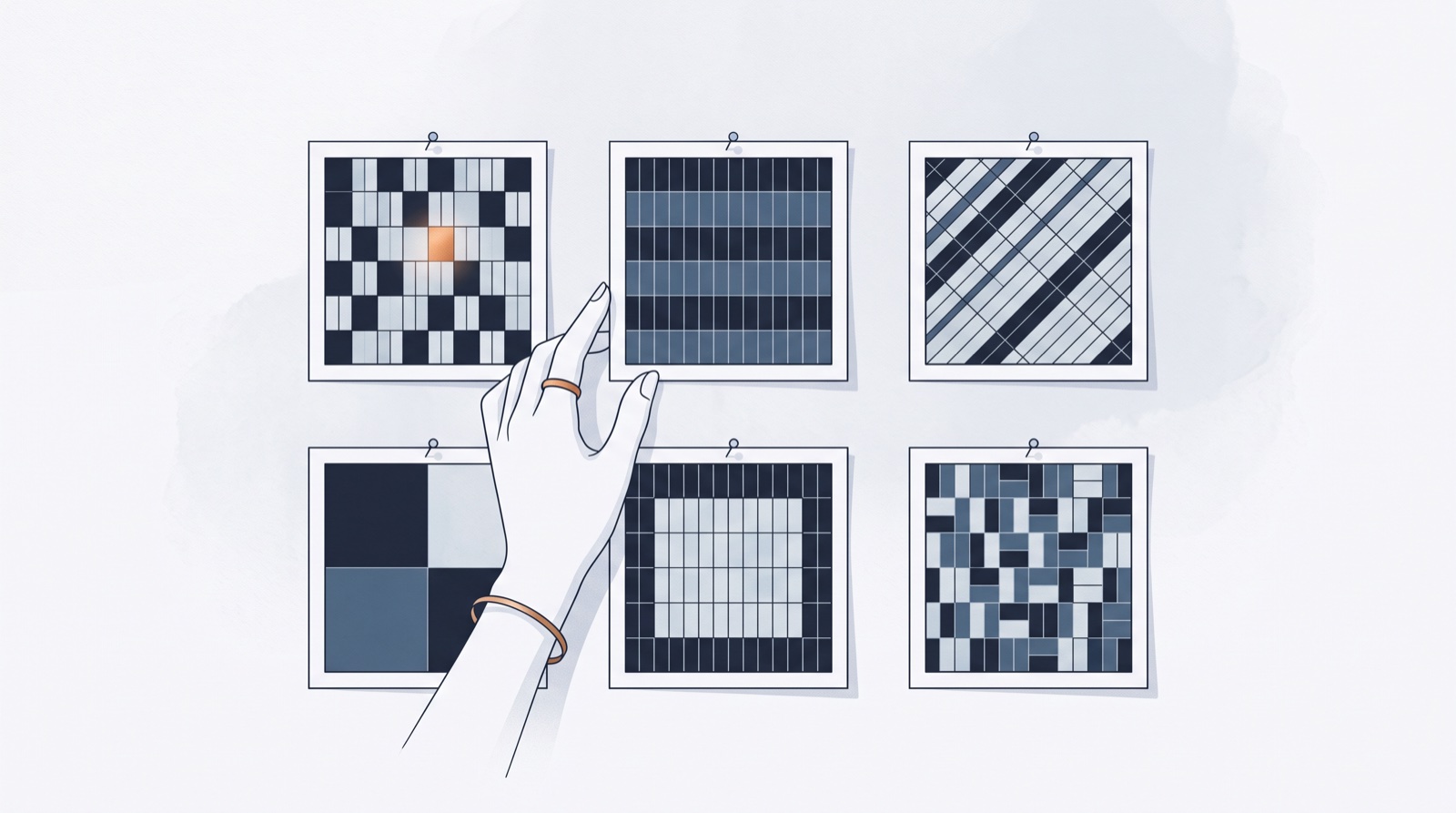
Instagram Grid Layouts That Still Work Now That the Grid Is Rectangular
Instagram’s profile grid moved from squares to tall 3:4 tiles — and half the classic layout tricks broke. Six grid patterns that survived, with rules for pulling each one off.
Read the note
Batching: How One Focused Day Feeds a Month of Content
Content batching, hour by hour: a realistic one-day schedule that turns AI volume, editorial triage and bulk scheduling into thirty days of posts — with the psychology of why it works.
Read the note
A 30-Day Content Calendar You’ll Actually Stick To (Template Included)
Most content calendars die by day nine. A four-pillar, three-posts-a-week template that survives real life — plus a free generator that builds the whole month for you.
Read the note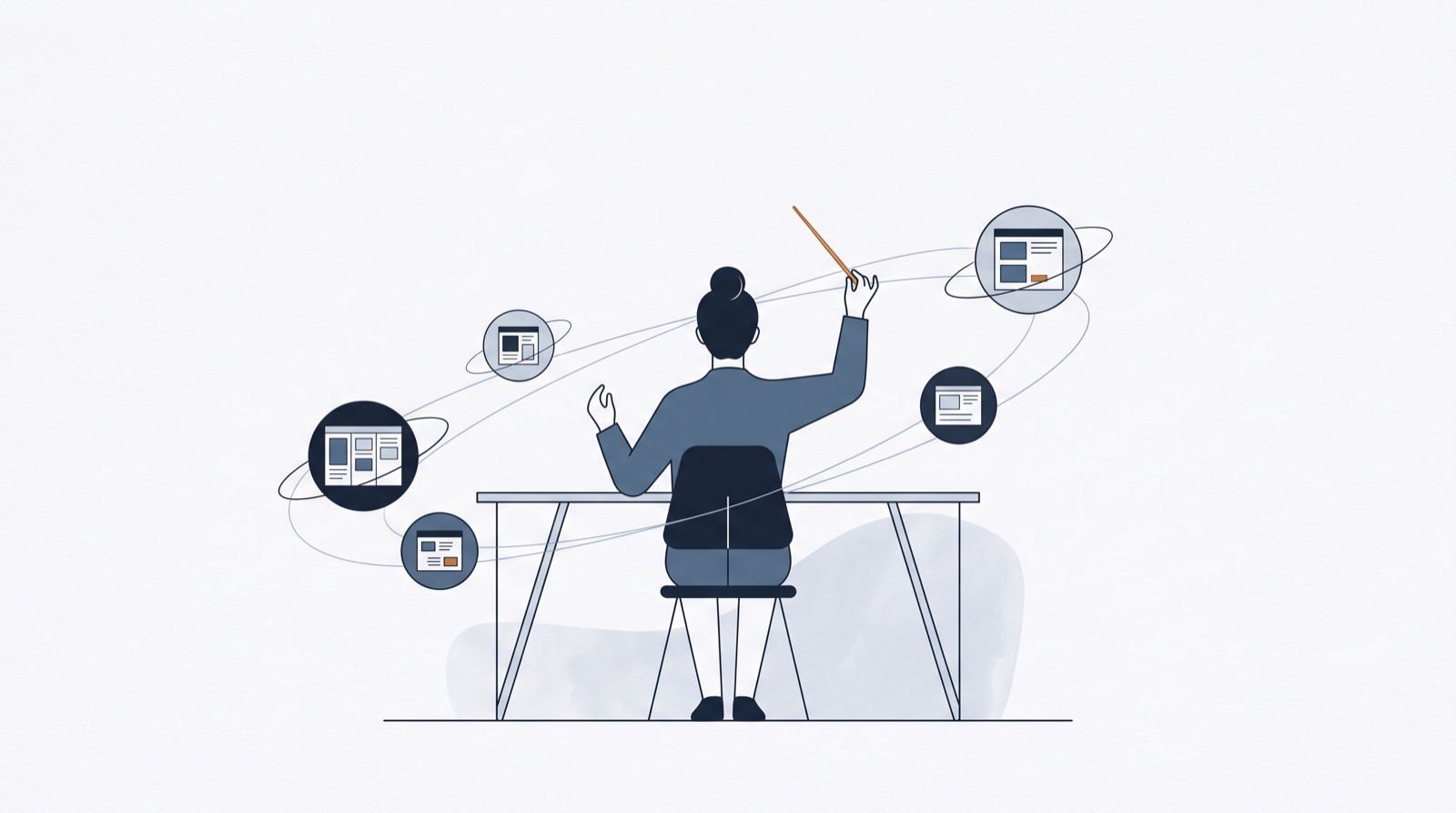
The One-Person Content Team: Run Five Brands Without Burning Out
Solo founders now run businesses, personal brands and client accounts alone. A field guide to managing multiple social media profiles by yourself — structure, batching and tools.
Read the note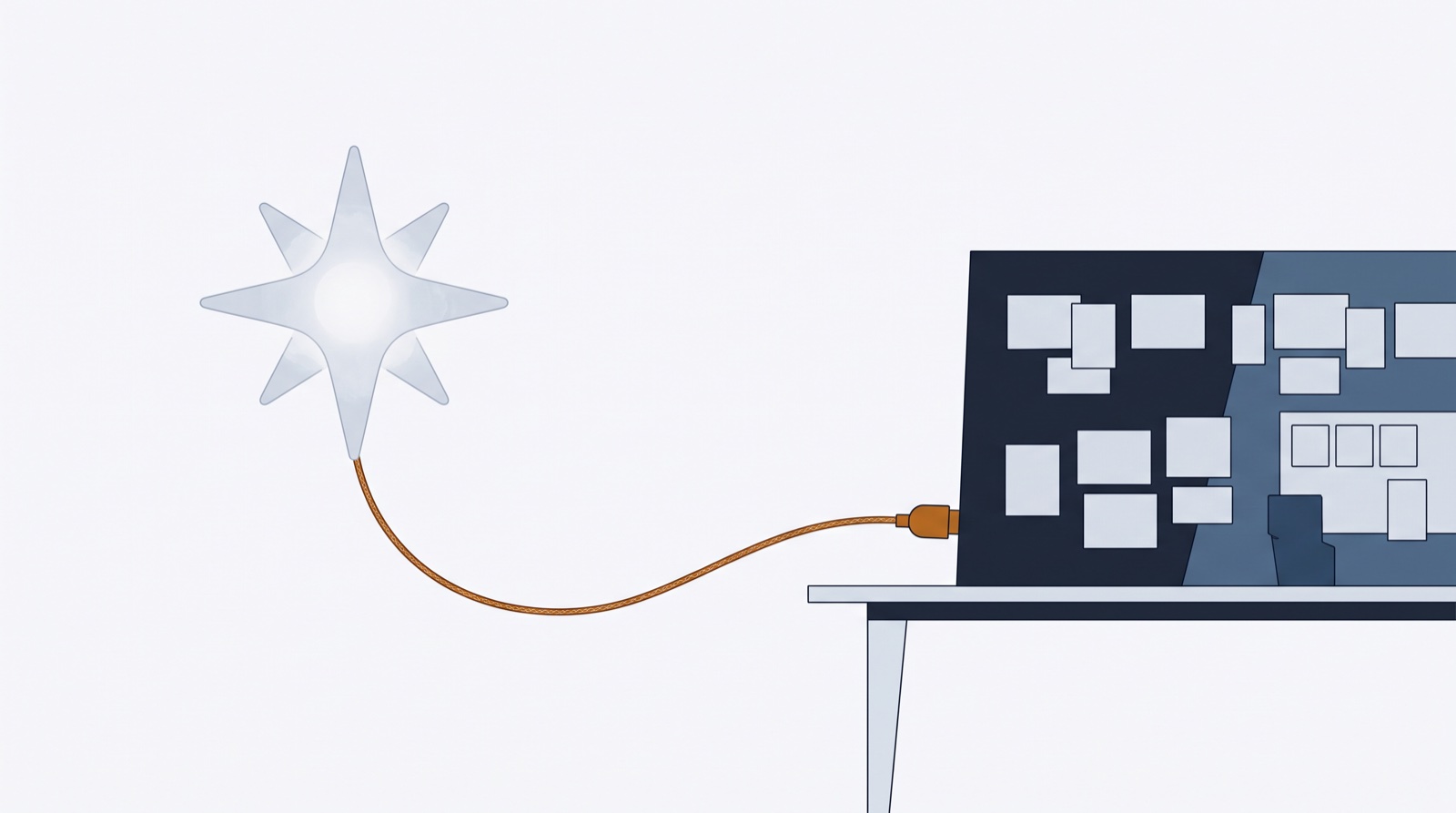
Let Claude or ChatGPT Fill Your Content Calendar (the MCP Guide)
Connect Claude or ChatGPT to ContentFast via MCP and your AI can draft posts straight into your planner — captions, hashtags, concepts and scheduling. Setup takes two minutes.
Read the note
Visual-First Feed Planning: Design Your Instagram Grid Before You Post
For photographers and aesthetic-first brands, the grid is the portfolio. How to plan your Instagram feed visually — drag photos onto the grid, judge the composition, write captions last.
Read the note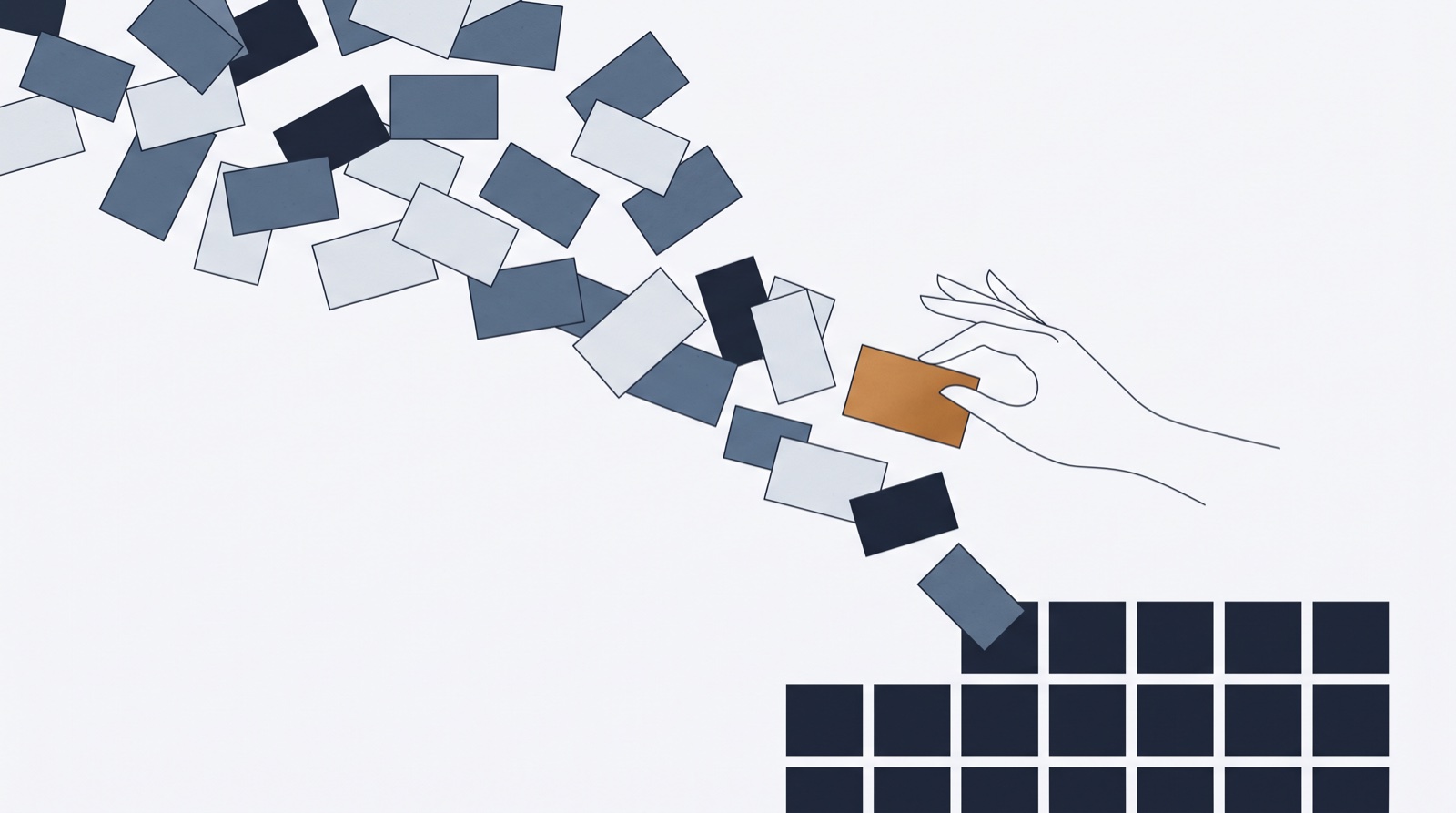
How to Turn 300 AI-Generated Post Ideas Into a Real Content Plan
Your AI can draft a month of social media content in one chat. Here’s a workflow for sorting, polishing and scheduling hundreds of AI-generated post ideas — without a spreadsheet.
Read the note✦ Free tools
Working instruments,
Three small tools from the studio — no sign-up, no card. They do one job each and do it quickly.