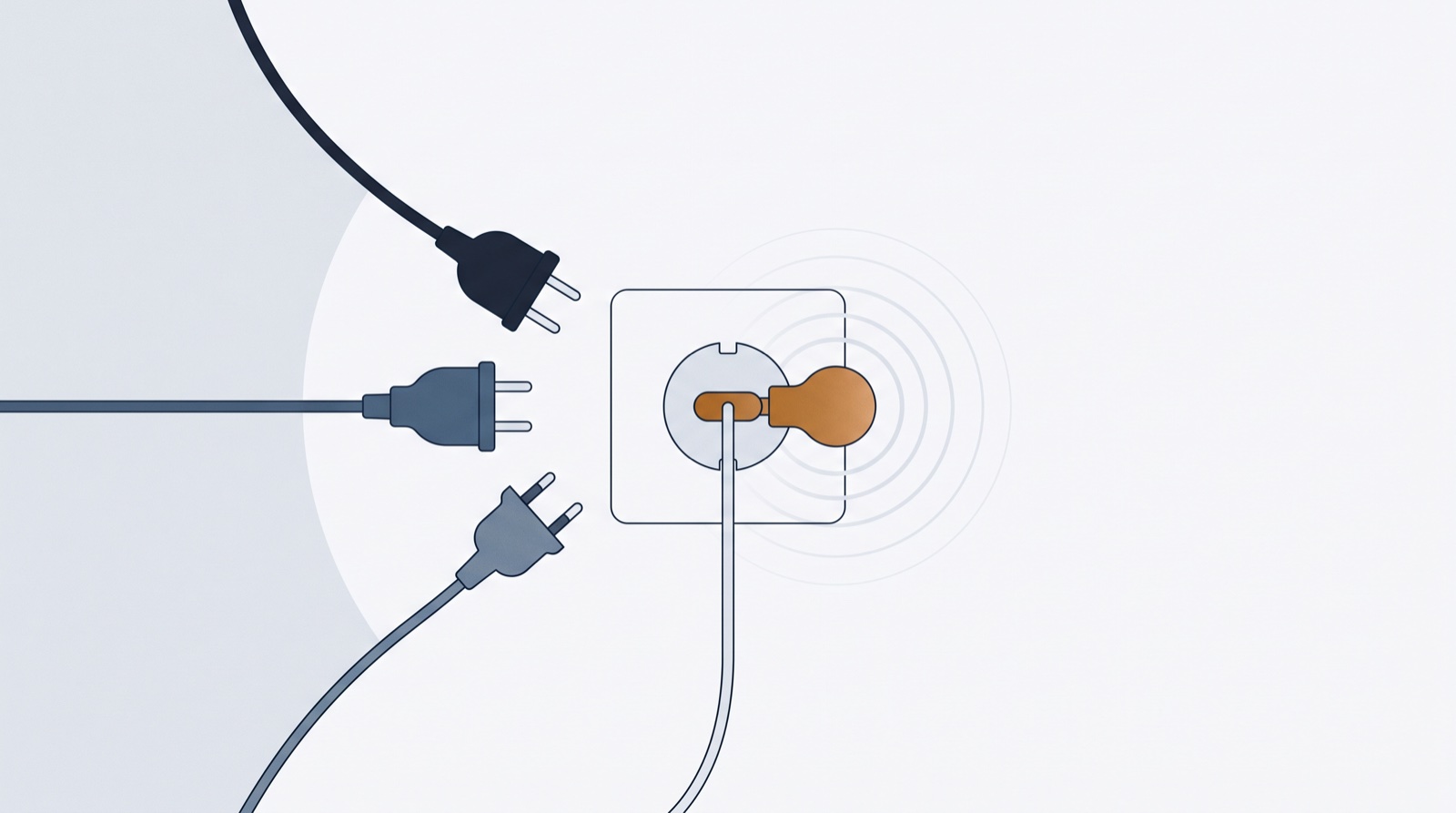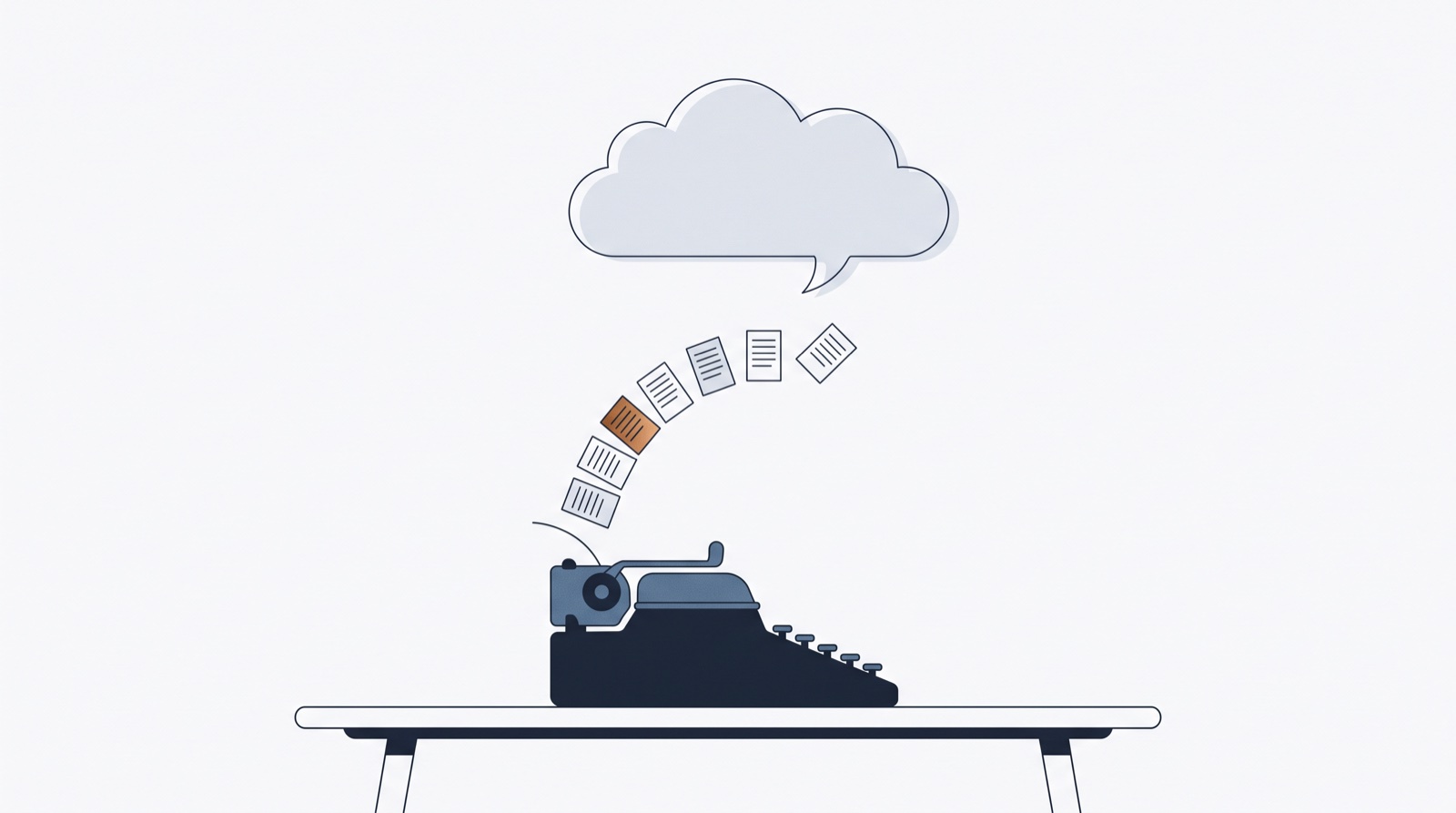
The copy-paste era of working with AI is ending. MCP — the Model Context Protocol — lets your AI assistant use tools directly: not “here’s a table, good luck,” but “done, thirty drafts are in your planner.” (New to the protocol itself? Start with MCP for marketers, explained like you’re busy.)
ContentFast ships with an MCP endpoint out of the box. Here’s what that gets you, how to connect it in two minutes, and what a connected agent can and can’t do — because that last part matters.
What a connected agent does
Once connected, your AI can list your brand profiles, read your existing posts (useful context: it sees what you’ve already covered), create new drafts with captions, hashtags, visual concepts and scheduling, update them after your feedback, and send a post to your Telegram.
In practice it sounds like: “Look at my Photography profile, see what I posted this month, and draft 20 ideas for autumn mini-sessions in my usual tone. Add hashtags.” The drafts appear as cards in your planner, where you triage and polish them like any other import.
Connecting Claude or ChatGPT
In Claude: Settings → Connectors → Add custom connector → paste https://contentfast.ai/mcp → sign in to ContentFast when the consent screen appears. In ChatGPT: Settings → Connectors (developer mode) → Add connector → same URL, same sign-in.
That sign-in is OAuth: the agent platform never sees your password, it just receives scoped tokens that act as you.
The security part, in plain words
A runaway agent is bounded by your credit balance — and by design.
A connected agent can only touch your data — every action runs under your own account, fenced by row-level security in the database. The toolset is deliberately small: it cannot delete anything, cannot reach your media library, cannot see billing, cannot touch other users. Anything that costs credits spends yours, the same as clicking the button yourself — so a runaway agent is bounded by your balance, and a hard cap of 20,000 posts per profile backstops the rest.
Change your mind anytime: Settings → AI agents → Disconnect all agents & devices revokes every token at once. Full details live in our llms.txt — written specifically so your AI can verify these claims itself.
Why this beats the spreadsheet
Because the loop closes. Idea in the chat → draft in the planner → your eyes → polish → schedule, with no export step where momentum dies. Set up a free account (100 credits, no card), connect your agent, and ask it for twenty drafts tonight. Triage them with your morning coffee — the prompt library has ready-made asks to start from.