Somewhere in 2025, “AI can write your captions” quietly stopped being interesting. Every tool writes captions now. The interesting question became: can your AI actually put them anywhere? Into your planner, your calendar, your CRM — without you playing courier with copy-paste?
The unglamorous piece of plumbing that makes the answer “yes” is called MCP. Here’s the no-jargon version, in the time it takes to drink half a coffee.
The definition, minus the engineering
MCP — Model Context Protocol — is an open standard that lets AI assistants connect to external tools and data sources. Anthropic introduced it in late 2024; OpenAI and most of the industry adopted it through 2025. When someone says “our product has an MCP server,” they mean: Claude, ChatGPT and other assistants can log into it (with your permission) and do things there on your behalf.
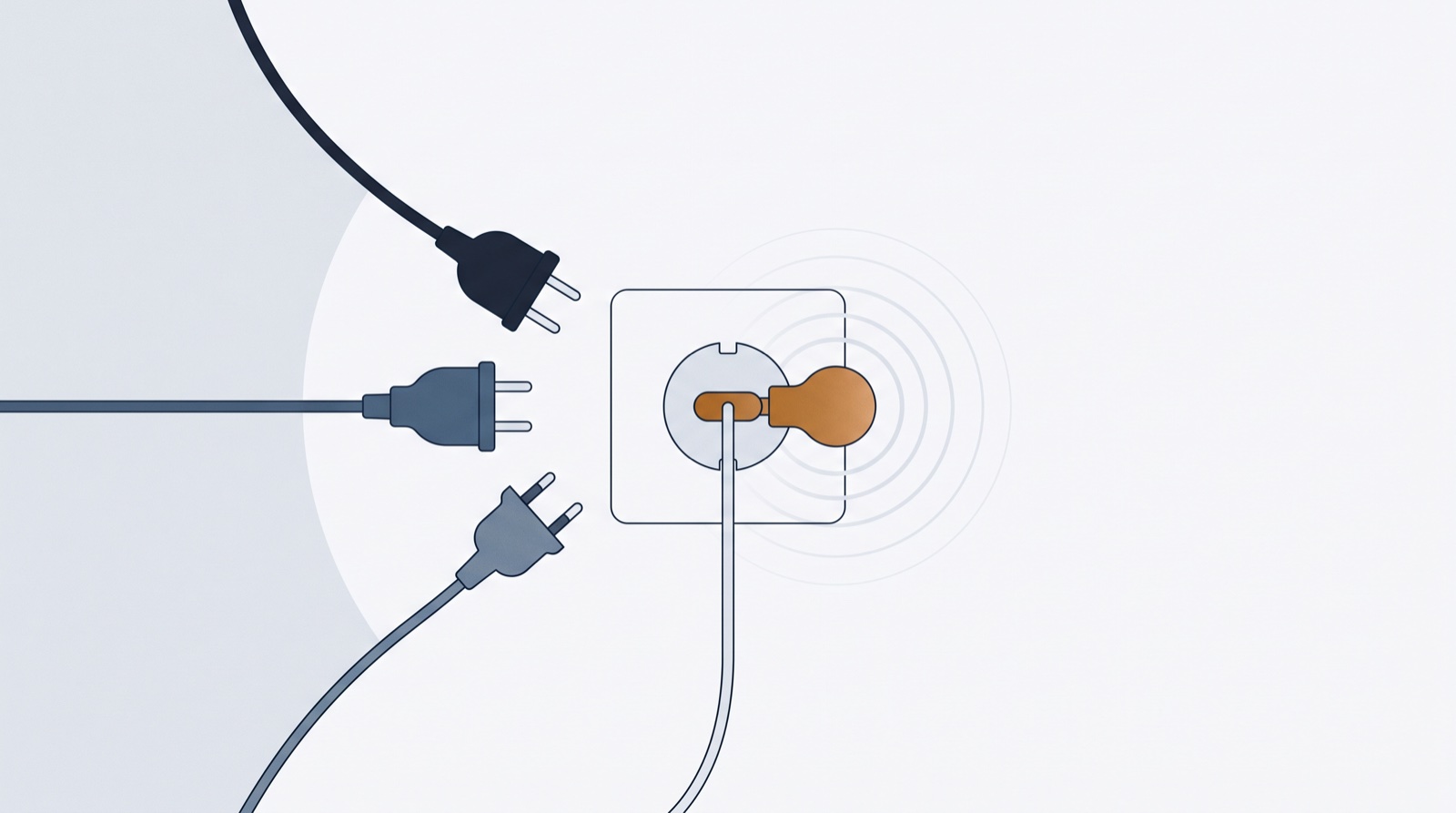
The analogy everyone uses, because it’s accurate: USB-C for AI. Before the standard, every app-to-AI connection was a custom cable. After it, one port fits everything — an AI that speaks MCP can use any tool that speaks MCP, no bespoke integration per pair.
What changes for content work, concretely
Before MCP, your AI was a consultant. After, it’s an assistant with hands.
Without MCP, a planning session ends with a wall of text in a chat window — and the real work (moving 30 ideas into a scheduler, one paste at a time) still belongs to you. With MCP, the session ends with: “Done — 30 drafts are in your October board, scheduled Tuesdays and Thursdays.”
The practical wins for a solo brand or small team:
- Context, not amnesia. A connected agent can read what you’ve already published and draft around it — no more re-explaining your brand every chat.
- Bulk without spreadsheets. “Draft 20 autumn ideas into my Photography profile” replaces the export-import shuffle entirely.
- Feedback loops that stick. “Make posts 4 and 7 punchier” updates the actual drafts, not a copy you’ll lose.
The security model, in one paragraph
Connecting is an OAuth sign-in: the AI platform receives scoped tokens that act as you — it never sees your password. A responsibly built MCP server also narrows what the agent may touch. ContentFast’s, for instance, can’t delete content, can’t reach your media library, can’t see billing; every credit-spending action uses your balance, same as your own clicks, and one switch in Settings revokes all agent tokens at once.
Try it in two minutes
The fastest way to get MCP is to feel it once: connect Claude or ChatGPT to ContentFast (one URL, one sign-in), then ask your assistant for twenty drafts in your own tone. When they appear on your board before you’ve finished the coffee — that’s the plumbing working.
And if you’re on the other side of the counter — building a product marketers use — 2026 is the year an MCP endpoint moved from novelty to checkbox. Your customers’ AI assistants are already asking.